

E-Way Bill Blocked Due to GST Return Non-Filing: Here’s How to Unblock Them
E-way bill blocking due to GST return non-filing stops goods movement and requires taxpayers to file pending returns, pay dues, and update GSTIN status to restore access.
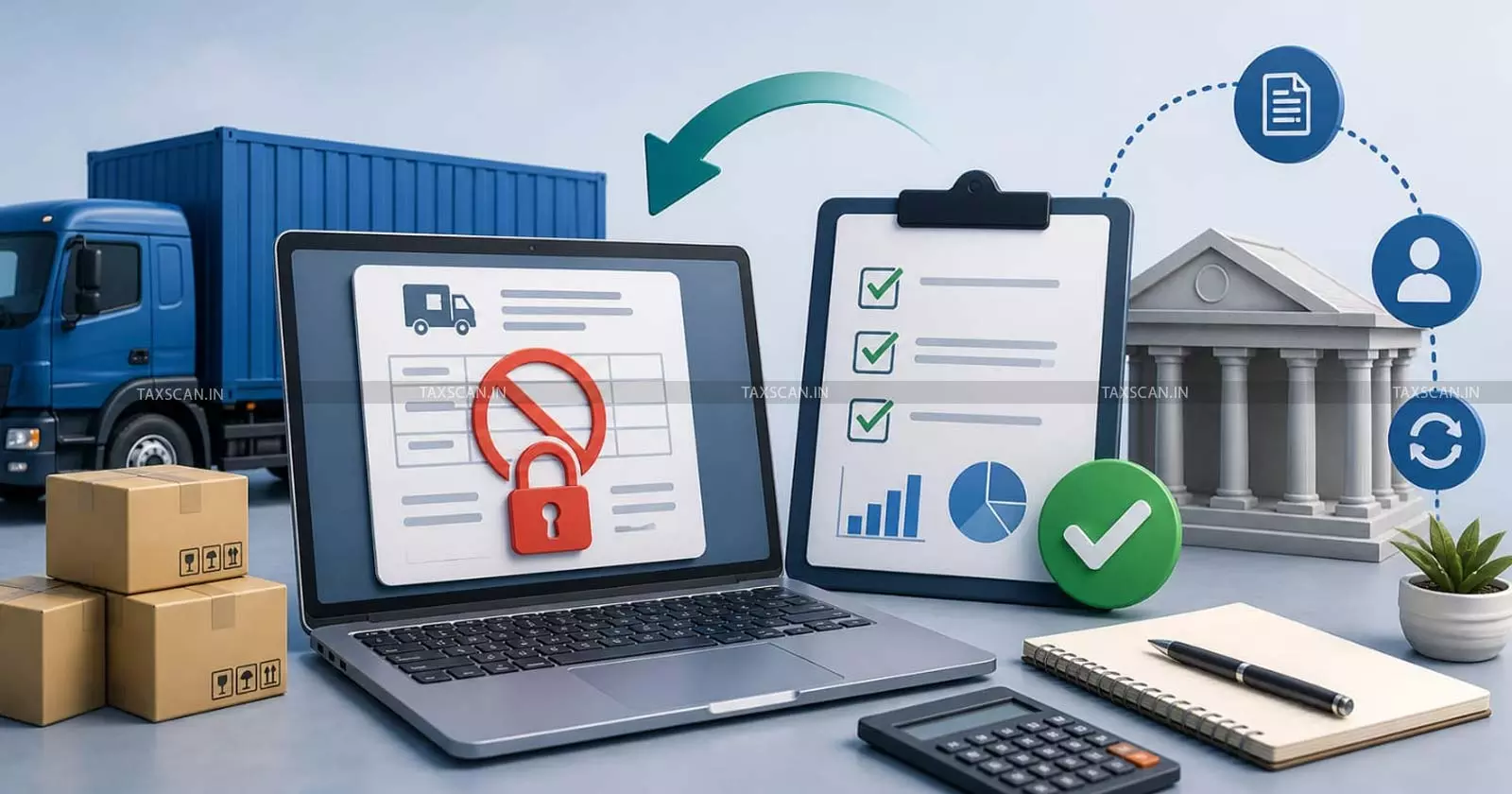
A blocked e-way bill facility creates a hard stop. The taxpayer is not able to furnish Part A of Form GST EWB-01 for fresh movement of goods. That means the business faces delayed dispatch, vehicle hold-up, customer pressure and risk during movement of goods.
One major trigger for this block is non-filing of GST returns. Rule 138E links e-way bill generation with GST return compliance. If the taxpayer has return defaults for the specified period, the portal blocks e-way bill generation against that GSTIN.
What is E-Way Bill Blocking?
E-way bill blocking means the GSTIN is restricted from generating fresh e-way bills. The block affects Part A of Form GST EWB-01. Part A carries invoice number, invoice date, GSTIN, value of goods, place of delivery, HSN, and reason for transportation.
When Does the Facility Get Blocked?
For regular taxpayers, the e-way bill facility gets blocked when GST returns remain pending for two consecutive tax periods. The return compliance trail must be checked with GSTR-1 and GSTR-3B because outward transaction reporting and tax payment reporting work together in the GST return framework. The return system records outward transactions through GSTR-1 and tax payment through GSTR-3B.
For composition taxpayers, the block arises when Form GST CMP-08 remains pending for two consecutive quarters. CMP-08 is the form for payment of self-assessed tax by composition taxpayers. It has to be filed for the relevant quarter, including a no-activity period where the law requires a nil filing.
Rule 138E is the control provision. The rule is in force from 21 June 2019 through Notification No. 22/2019-Central Tax.
Why Does the GST System Block E-Way Bills?
Blocking of e-way bill generation forces the taxpayer to file pending returns before fresh goods movement takes place. This is not a punishment that starts after a long enquiry. It is a system restriction based on return filing status.
Step 1: Check Blocked Status of GSTIN
The first action is to confirm the blocked status. Visit the e-way bill portal and use the GSTIN block status tool. Enter the GSTIN and captcha. Save a screenshot for records.
The restriction is GSTIN-wise. A business with separate registrations in Maharashtra, Karnataka, Tamil Nadu, and Delhi must check each GSTIN in its own right. A default in one registration affects that registration.
Step 2: Find the Pending Returns
After confirming the block, log in to the GST portal. Open the returns dashboard. Select the financial year and tax period. Check which returns are pending.
A regular taxpayer must check GSTR-1 and GSTR-3B. GSTR-1 contains outward transaction details. GSTR-3B contains tax liability, ITC, interest, late fee, and payment details. GSTR-3B once filed is not open for revision, so figures require review before filing.
A composition taxpayer must check CMP-08. The form has to be filed for each quarter. Tax under the composition scheme is paid in cash because input tax credit is not available to composition taxpayers.
Step 3: Reconcile Before Filing
Do not file returns in haste. A wrong return creates a bigger problem than a blocked e-way bill.
For GSTR-1, match the sales register, tax invoices, credit notes, debit notes, e-invoice data, and e-way bill data. Check B2B, B2C, export, SEZ, debit note, credit note, HSN summary, document number, and place-of-transaction details.
For GSTR-3B, match outward tax with GSTR-1. Check input tax credit with GSTR-2B and the Invoice Management System data. Review reverse charge, ineligible credit, ITC reversal, interest, late fee, and cash payment. The return framework uses auto-populated data from GSTR-1, GSTR-1A, IFF, and GSTR-2B, with taxpayer review before filing.
For CMP-08, compute turnover and tax for the quarter. Check reverse charge entries and any interest. Confirm cash ledger balance before submission.
Step 4: File All Pending Returns
The taxpayer must file every pending return that caused the default. Filing the current period and leaving past periods open will not solve the block.
For regular taxpayers, complete pending GSTR-1 and GSTR-3B. For composition taxpayers, complete pending CMP-08. Keep ARN, return period, filing date, and payment details in a compliance folder.
After filing, the e-way bill system updates the block status. The e-way bill FAQ states that once the return is filed on the GST portal, the blocking status is removed by the system next morning. It also provides an option to update the status through “Search Update Block Status” on the e-way bill portal for a faster update after filing.
Step 5: Pay Tax, Interest and Late Fee
Return filing is complete when the return reaches filed status. If tax is payable, it must be discharged through the electronic cash ledger or electronic credit ledger in the manner allowed under GST.
Delayed filing attracts late fee. Delayed tax payment attracts interest. Interest applies where tax remains unpaid for the delay period. Late fee applies for failure to furnish returns within the due date.
Saving a return draft, generating a challan, or depositing cash in the ledger does not complete GSTR-3B. The taxpayer must offset liability and file the return.
Step 6: Use Update Block Status
After filing the pending returns, go to the e-way bill portal. Use the option for updating blocked status. Enter the GSTIN and fetch the latest filing status from the GST common portal.
If the GSTIN remains blocked after return filing and status update, raise a grievance with return ARN, filing date, screenshots, and payment proof.
Relief Through Officer-Based Unblocking
GST law gives a route for officer-based unblocking. The proviso to Rule 138E permits the Commissioner to allow generation of e-way bills even where returns for the consecutive period have not been furnished, subject to conditions and restrictions. FORM GST EWB-05 and FORM GST EWB-06 support this process.
Mistakes to Avoid
- Do not assume that a transporter will solve the issue. The block belongs to the GSTIN. The registered person must correct the return default.
- Do not file nil returns if invoices or tax liability exist. Such filing creates false records and leads to notices.
- Do not ignore GSTR-1 after filing GSTR-3B. Return compliance works through outward reporting and tax payment reporting.
- Do not wait until the truck reaches the gate. Check e-way bill access before dispatch planning.
Compliance Checklist
Before every dispatch cycle, the business must check return status for each GSTIN. It must review GSTR-1, GSTR-3B, CMP-08, tax payment, late fee, interest, and ledger balance. It must keep filing proof and ARN in records.
For branch networks, assign GSTIN-wise responsibility. A single default in one State registration will stop movement from that GSTIN.
Support our journalism by subscribing to Taxscan premium. Follow us on Telegram for quick updates