

How to File GST Returns for SEZ Units, ISD and OIDAR Providers: Step-by-Step Guide
SEZ units, ISD registrations, and OIDAR providers must follow separate GST return filing processes to ensure correct reporting, credit flow and tax payment.
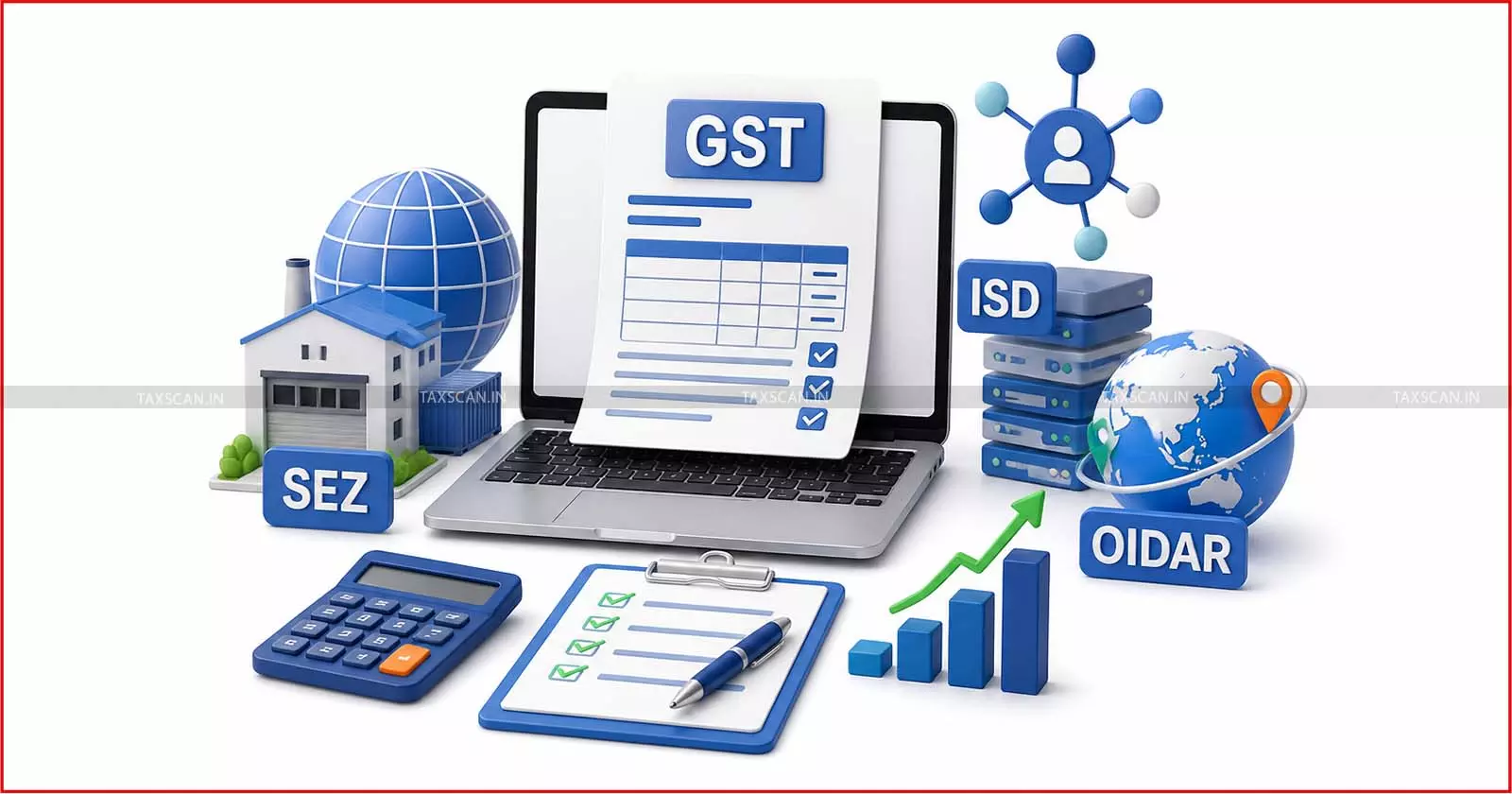
GST return filing is not the same for every registered person. A regular trader, a composition dealer, an Input Service Distributor, a Special Economic Zone unit and an Online Information Database Access and Retrieval (OIDAR) provider each follow a different compliance path.
SEZ units deal with zero-rated and cross-border transactions. ISD registrations distribute input service credit to different GST registrations under the same PAN. OIDAR providers deal with digital services supplied from outside India to recipients in India. A clear filing process is required for each one.
1. GST Return Filing for SEZ Units
A Special Economic Zone unit or SEZ developer is treated as a registered person under GST. It follows the return structure meant for regular taxpayers, unless a separate return applies to a specific registration type.
Step 1: Check registration and return status
The SEZ unit must check whether its GSTIN is active and whether the returns dashboard shows pending GSTR-1 or GSTR-3B. If there is no business activity, nil return filing is still required where the form requires filing for that period.
Step 2: Prepare GSTR-1 data
GSTR-1 records outward supply details. For an SEZ unit, reporting requires care because SEZ transactions involve exports, zero-rated supplies, deemed exports, supplies to registered persons, credit notes, debit notes, and amendments.
Key GSTR-1 tables for SEZ-related reporting include:
- Table 6A: Exports, with or without payment of tax
- Table 6B: Supplies made to SEZ unit or SEZ developer, with or without payment of tax
- Table 6C: Deemed exports
- Table 9: Amendments to outward supply details
- Table 12: HSN-wise summary of outward supplies
- Table 13: Documents issued during the tax period
Step 3: Review SEZ to DTA transactions
A key point arises when an SEZ unit deals with a Domestic Tariff Area unit. If the SEZ unit makes a DTA transaction without a bill of entry, the SEZ unit has to report it in GSTR-1. If the transaction is covered by a bill of entry, the SEZ unit does not include it in GSTR-1. In that case, the DTA unit reports it as import in GSTR-3B.
Step 4: File GSTR-3B
GSTR-3B is the summary return. It records outward tax liability, reverse charge liability, input tax credit, reversals, exempt inward supplies, interest, late fee, and payment.
Before filing GSTR-3B, the SEZ unit must check:
- Outward tax liability with GSTR-1
- ITC with GSTR-2B
- Invoice Management System data
- Export records
- SEZ supply records
- Bill of entry cases
- Credit notes and debit notes
- Interest and late fee, where applicable
GSTR-3B cannot be revised after filing. Corrections have to be made in later periods as permitted. This is why the figures require review before submission.
2. GST Return Filing for Input Service Distributor
An Input Service Distributor, or ISD, is not a normal outward tax registration. It is an office that receives invoices for input services and distributes the related input tax credit to distinct persons under the same PAN.
The ISD route is meant for input services. It is not meant for goods or capital goods. From 1 April 2025, ISD registration is mandatory where the amended ISD framework applies. The amended framework also covers input services liable to reverse charge under section 9(3), section 9(4) of the CGST Act, and section 5(3), section 5(4) of the IGST Act.
Step 1: Identify invoices meant for distribution
The ISD office must collect tax invoices for common input services. These services must relate to one or more GST registrations under the same PAN.
Common examples include:
- Audit fees for branch operations
- Software subscription used across offices
- Legal or professional charges
- Advertisement services for more than one State
- Shared administrative services
Step 2: Prepare GSTR-6
GSTR-6 is the return for ISD. It has to be filed by the 13th day of the next month. A nil return is required if there is no credit for distribution or no distribution for that tax period.
Important tables in GSTR-6 include:
- Table 3: Input tax credit received for distribution
- Table 6A: Amendment of earlier invoice details
- Table 6B: Debit notes and credit notes linked to earlier invoices
- Table 4: Total ITC available for distribution
- Tables 5 and 8: Distribution of ITC through ISD invoices and ISD credit notes
- Table 9: Redistribution of ITC distributed in earlier returns
Step 3: Distribute eligible and ineligible credit
The ISD must distribute both eligible and ineligible ITC. It must also use the correct tax head.
The tax head treatment works as follows:
- If the recipient registration is in the same State or Union Territory as the ISD, credit is distributed under the same tax head.
- If the recipient registration is in another State or Union Territory, CGST, SGST, or UTGST credit is distributed as IGST.
- IGST credit continues as IGST.
Step 4: Cross-check GSTR-6A
GSTR-6A is an auto-drafted view based on supplier-uploaded data. It helps the ISD compare supplier invoice data with its own records. It does not replace GSTR-6. The ISD must file GSTR-6 with correct invoice and distribution details.
3. GST Return Filing for OIDAR Providers
OIDAR means Online Information and Database Access or Retrieval services. These services are delivered through the internet or an electronic network and require information technology for delivery.
Examples of OIDAR services include:
- Cloud services
- E-books
- Digital movies and music
- Online database access
- Digital data storage
- Automated distance learning
- Online gaming, as covered under the relevant provisions
A person located outside India who provides OIDAR services to a non-taxable online recipient in India has to file GSTR-5A. The same form also covers specified online money gaming suppliers from outside India to persons in India.
Step 1: Check whether GSTR-5A applies
GSTR-5A applies when the supplier is located outside India and the recipient in India is a non-taxable online recipient. If services are supplied to a registered person in India under reverse charge, the reporting treatment is different.
Step 2: Prepare transaction data
The OIDAR provider must prepare data before opening the return. State-wise place of supply is important because tax allocation depends on recipient location.
The provider must keep the following details ready:
- Recipient category
- Place of supply
- Taxable value
- Tax rate
- Tax amount
- Amendments for past periods
- Interest or other amount
- Cash payment details
Step 3: Fill GSTR-5A tables
The main tables in GSTR-5A are:
- Table 5: Taxable outward supplies to non-taxable online recipients in India
- Table 5A: Amendments to earlier Table 5 entries
- Table 5B: Supplies to registered persons in India where reverse charge applies
- Table 5C: Amendments to earlier Table 5B entries
- Table 5D: Online money gaming supplies to persons in India
- Table 5E: Amendments to earlier Table 5D entries
- Table 6: Interest or any other amount
- Table 7: Tax, interest, and any other amount payable and paid
Step 4: Pay tax in cash and file return
GSTR-5A liability is paid in cash. Input tax credit is not used for this payment through the form workflow. The return has to be filed by the 20th day of the next month.
A nil return is required even when there is no transaction during the tax period. The portal blocks current-period filing until past-period GSTR-5A has been filed.
Conclusion
SEZ units, ISD registrations, and OIDAR providers do not follow one common filing route. SEZ units must focus on outward reporting, zero-rated supplies, DTA cases, and GSTR-3B accuracy. ISD registrations must focus on input service invoices and credit distribution. OIDAR providers must focus on place of supply, GSTR-5A tables, cash payment, and nil return discipline.
Support our journalism by subscribing to Taxscan premium. Follow us on Telegram for quick updates